Aimbot options
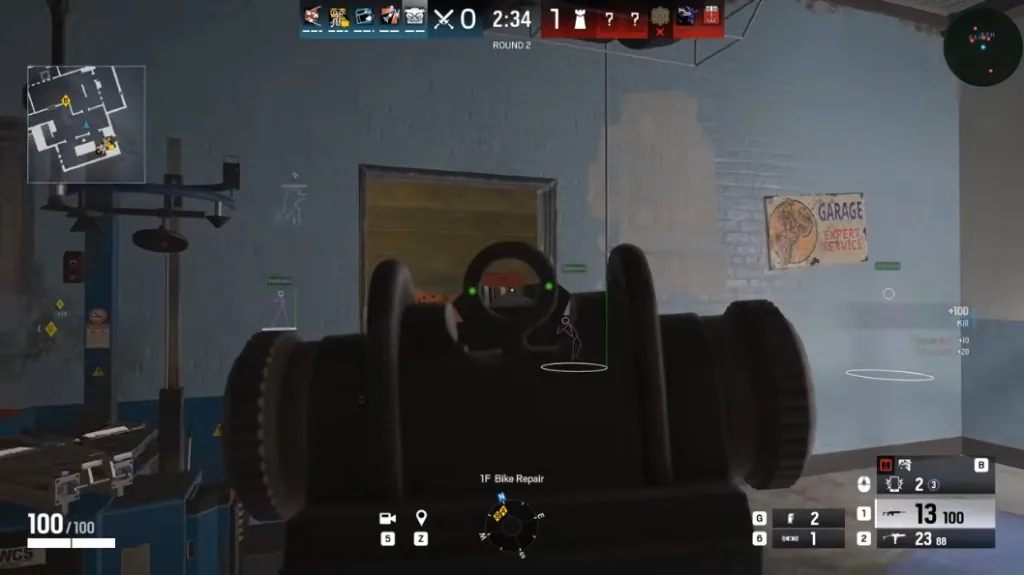
Enable aimbot with customizable FOV, smoothness, hitbox selection, and optional draw overlays so you can tune before ranked.
Draw FOV, target line, and color target line help you see what the assist is doing without guessing.
- Enable Aimbot
- Customizable FOV
- Draw FOV
- Smoothness
- Hitbox Selection (Head / Chest / Stomach / Pelvis)
- Draw Target Line
- Color Target Line
ESP options
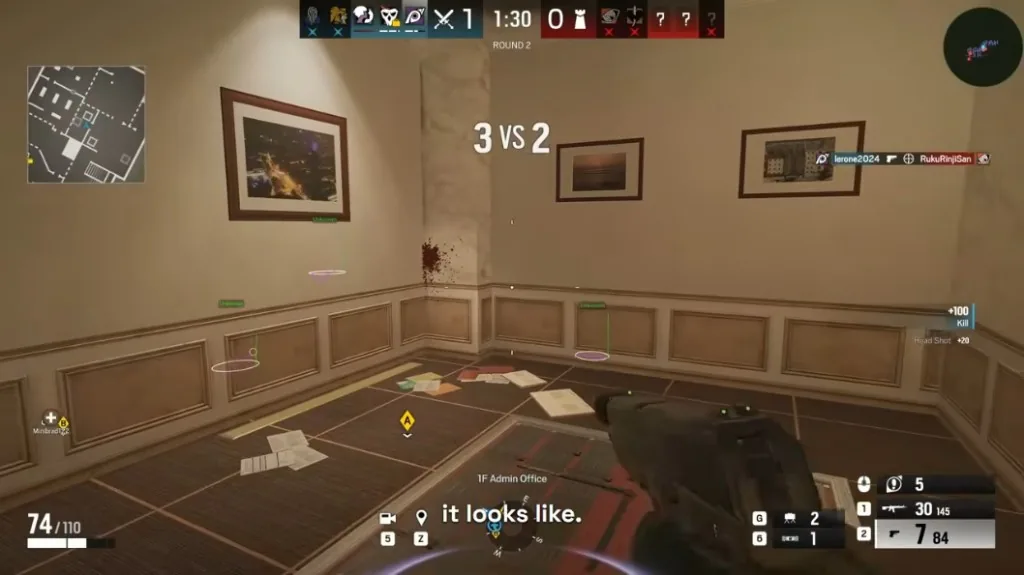
Operator ESP with skeleton styles, boxes, snaplines, and head markers — all thickness and type controls exposed.
Toggle categories so bomb sites stay readable in 5v5.
- Enable ESP
- Skeleton
- Skeleton Type (Normal / Outline / Glow / RGB)
- Skeleton Line Thickness
- Player Name
- Head Circle
- China Hat
- View Line
- Box
- Box Type (Normal / Cornered / 3D)
- Box Line Type (Full / Outline)
- Box Line Thickness
- Type
- Snapline
- Snapline Position (Top / Bottom / Middle)
- Snapline Thickness
- Feet Circle
Gadget ESP options
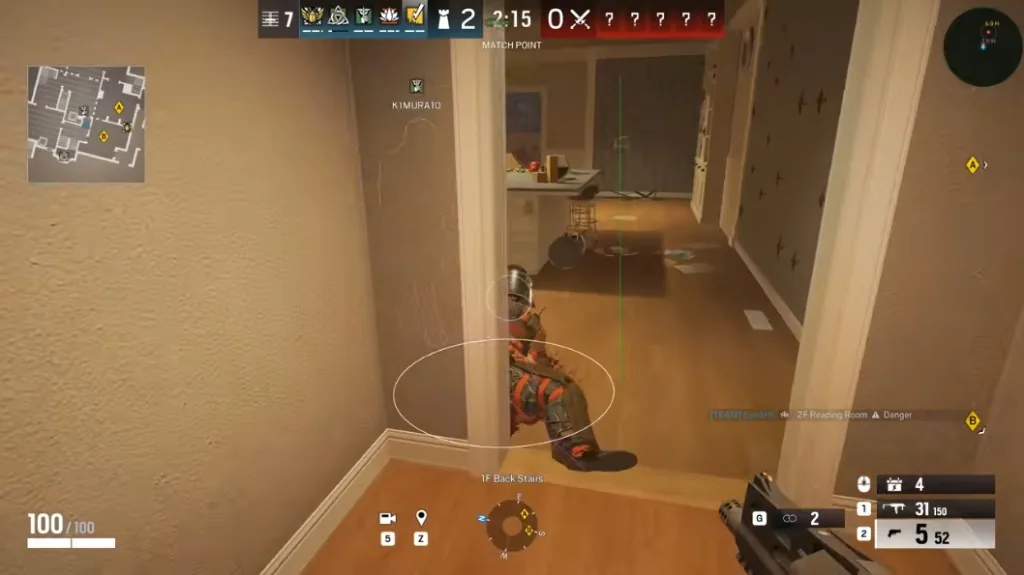
See attacker and defender utility through walls — drones, claymores, jammers, traps, and more.
Pair gadget ESP with operator ESP on the ESP page.
- Attacker Gadgets — Claymore, Drone, Thermite, and more
- Defender Gadgets — Mute Jammer, Frost Trap, Ela Mine, and more
Misc options
Damage notifications, config save/load, and profile slots for ranked vs unranked stacks.
Check status after BattlEye patches before loading saved configs.
- Damage Notifications
- Save Config
- Load Config
Official game guides & resources
We link to trusted third-party sources so you can verify patch notes, player stats, and map info outside our site.
- Rainbow Six Siege on PC (Ubisoft) Official game page, system requirements, and news.
- Rainbow Six Siege patch notes Read official update posts before you change strats.
- Official Rainbow Six Siege website Game overview from Ubisoft.
- Rainbow Six Siege Wiki (Fandom) Operators, maps, and gadget reference.
- r/Rainbow6 community Announcements and community discussions.